Staff rosters
Shifts, leave and contracted hours for your team.
Plan people, rooms, vehicles and equipment on one board: resources down the side, time across the top, bookings you drag into place. Ninth Forge Scheduler works on any Dataverse table, with no Dynamics 365 licence needed. It’s part of Ninth Forge Plan, alongside the Gantt.
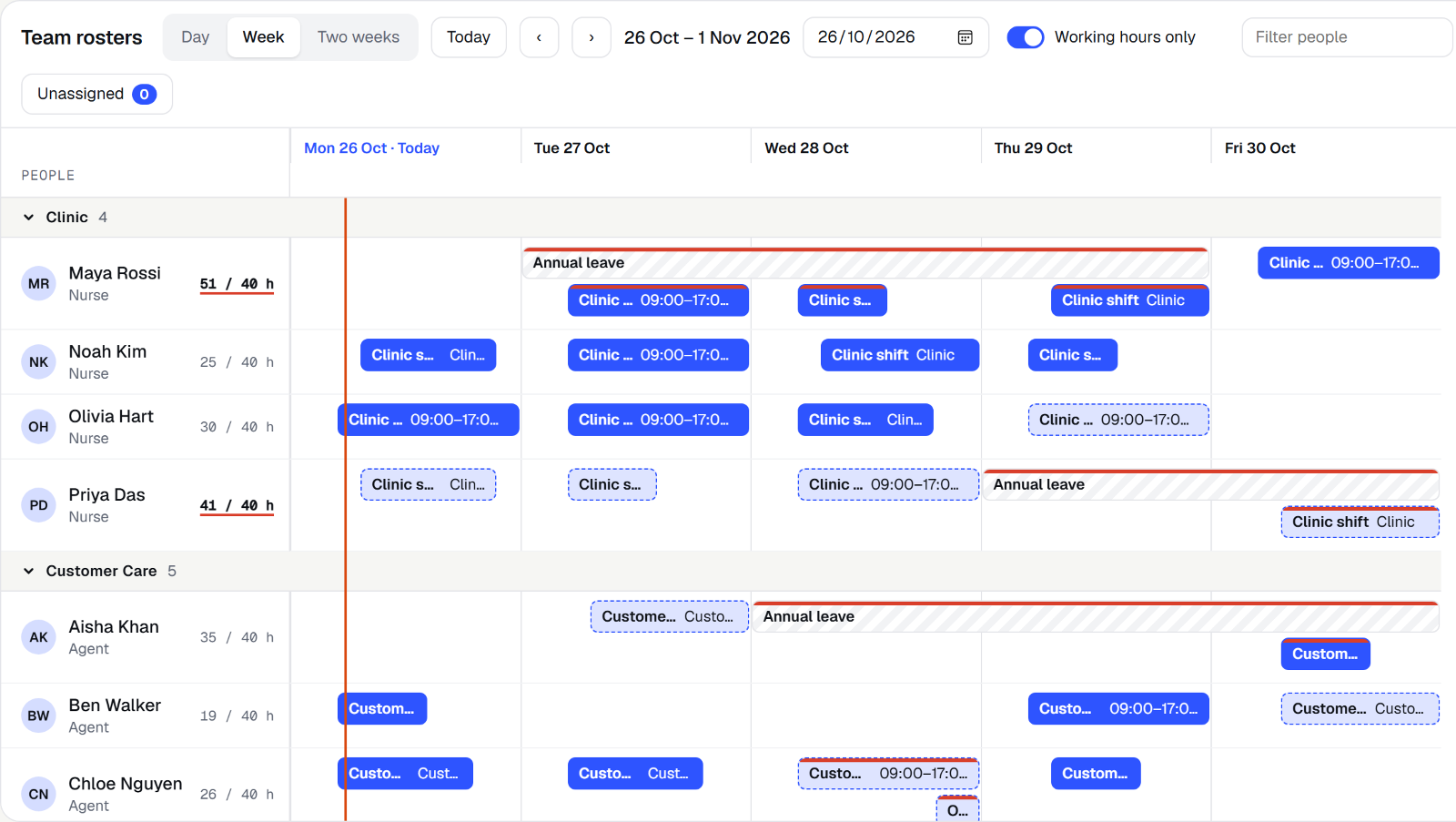
The real Scheduler in your browser, in your time zone. Drag a booking, resize it, or drag across empty time to create one.
Shifts, leave and contracted hours for your team.
Rooms by building, seats vs attendees, no double-booking.
Fleet hire over days, with maintenance blocks.
Tools and assets out and back, with no clashes.
An unassigned job queue you drag onto technicians.
Microsoft’s schedule board comes with Dynamics 365 Field Service and Project Operations licences. Ninth Forge Scheduler works in any Power App on any Dataverse table, and it’s included in Plan.
Yes. One Plan licence covers the Gantt and the Scheduler.
Not at launch; book each resource separately. Multi-resource bookings are planned.
Planned after launch.
Plan launches 27 January 2027. The free pack lands in November.